


If you are someone like me who is a freelancer or owns a small office, or perhaps heads a certain department in your office, the All-in-One Printer (AIO) HP Deskjet GT 5820 can be your great companion.
Released in the Q4 of 2015, this AIO printer of HP packs features that you will love.
Allow us to share our unboxing story.
What’s inside the box
A huge box that is well secured is holding the printer. Make sure that your car’s truck has enough space for this or the back seat is not occupied.

Inside the box, you will find your printer and accessories that come with it well secured with packaging tapes and other whatnots.

You have to remove one by one from the box and take note of the following items inside the box.

Several papers that come with it are the user guides, warranty card and the classic CD that contains the driver of the printer.

There are two cables that are equally important with the configuration of the printer. The AC cable and the special USB cable in case you want to connect the printer to your PC or laptop.

You also get these two important items — the black and color print head and the basic refill inks.
HP GT 5820 is a wireless printer, awesome!

The CD that comes with the box should not be lost but the Internet could be your next resource. You need that to configure your printer so that its wireless feature can be enabled.
Once configured you may not use the special USB cable provided and just keep in the box for future use. Most of your office devices with WLAN can print to the HP GT 5820 AIO.
Configuring the printer for the first time
Don’t start without the user manual in your hand. You can destroy your printer if you don’t follow the instruction in there.
You start by removing the tapes and all the whatnots.
I highly suggest that you watch this unboxing video by HP Singapore.
https://www.youtube.com/watch?v=4TjRuxPQcxY
You have to insert the printer head properly. You have to remove the cap and the tape that is securing the head.

After successfully installing the print head the next thing that you should carefully do is putting the refill ink.

Now this is the part that you will love this AIO printer from HP. They designed a spill-free system for the refill.
Initial impression
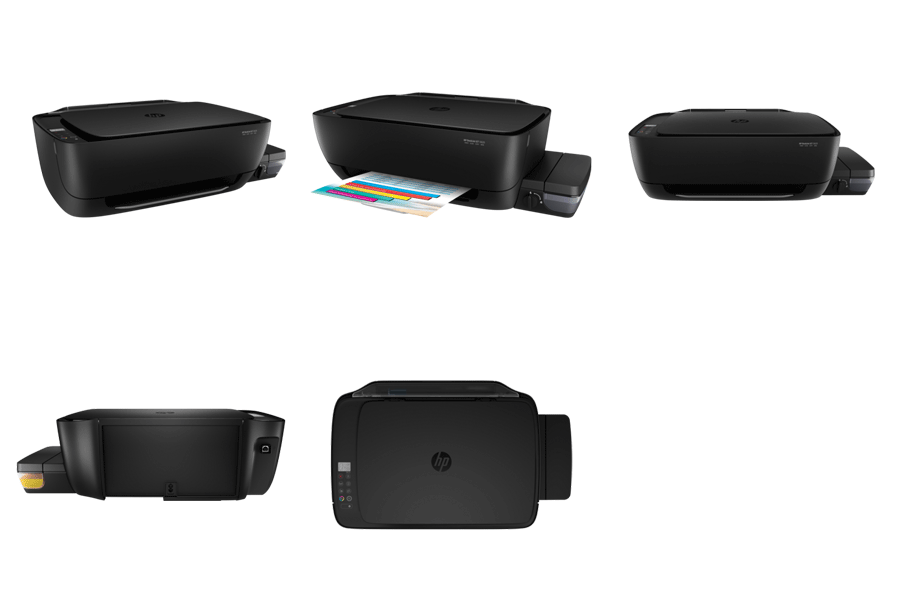
On paper, it says that it is extremely low cost per page, mobile printing is one feature to look forward to and the spill-free refill system are few of the features that makes this printer promising.
It is now available in all major stores nationwide. Official SRP is P8,790.
